The real screens
The mockups on the front page are rebuilt in HTML so they scale and translate. These are the actual screenshots, unretouched, from the manual. The software is built for people who count stock for eight hours, not for a product page.
Screenshots from the KrotLab manual, version 1.0.8.
Base station
Runs on macOS, Windows or Linux. Every table exports to xlsx or txt.
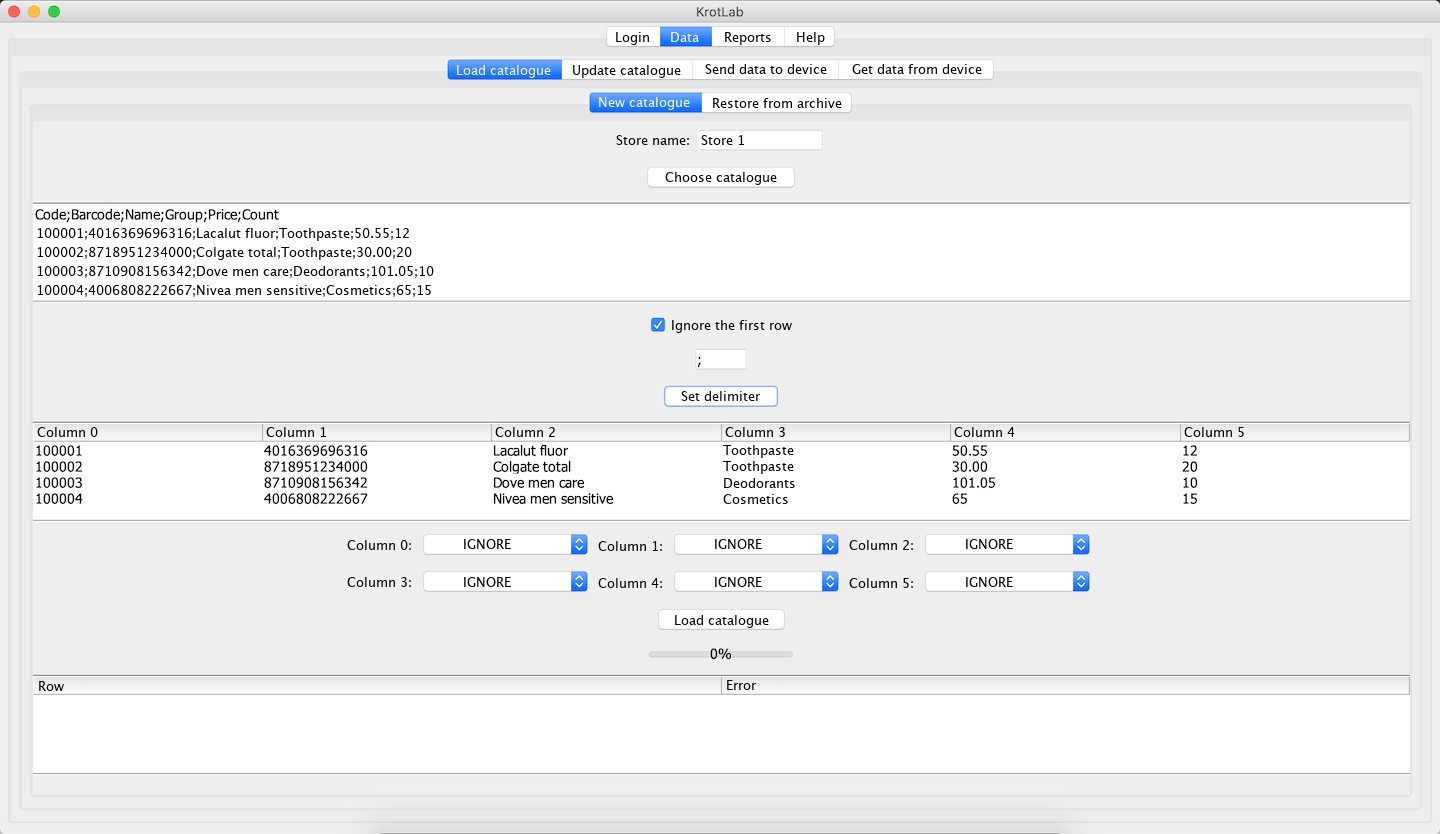
Loading a catalogue: the first rows of your file, the delimiter, and one dropdown per column to say what that column holds. 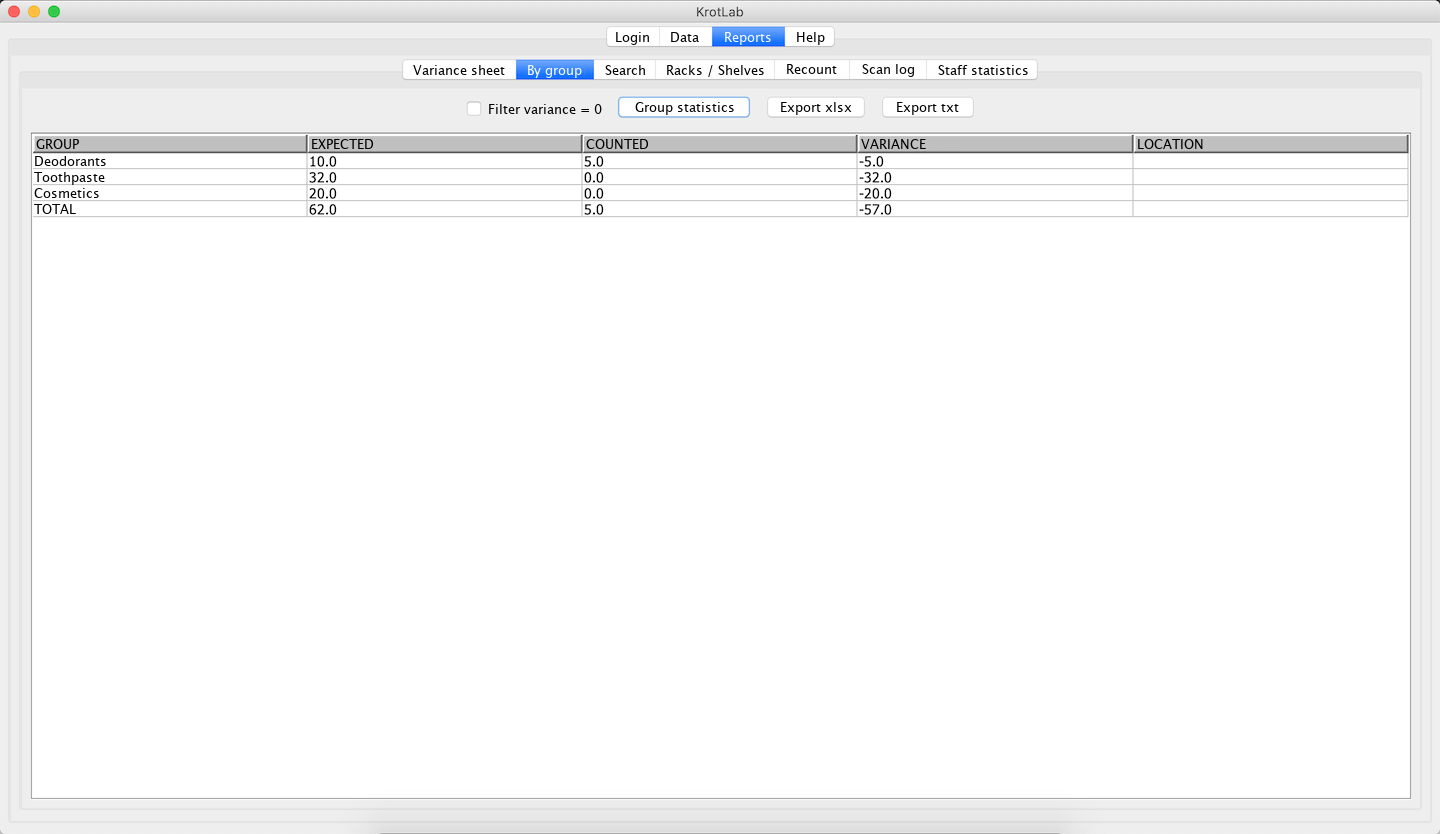
Group report — expected, counted and variance for every product group. 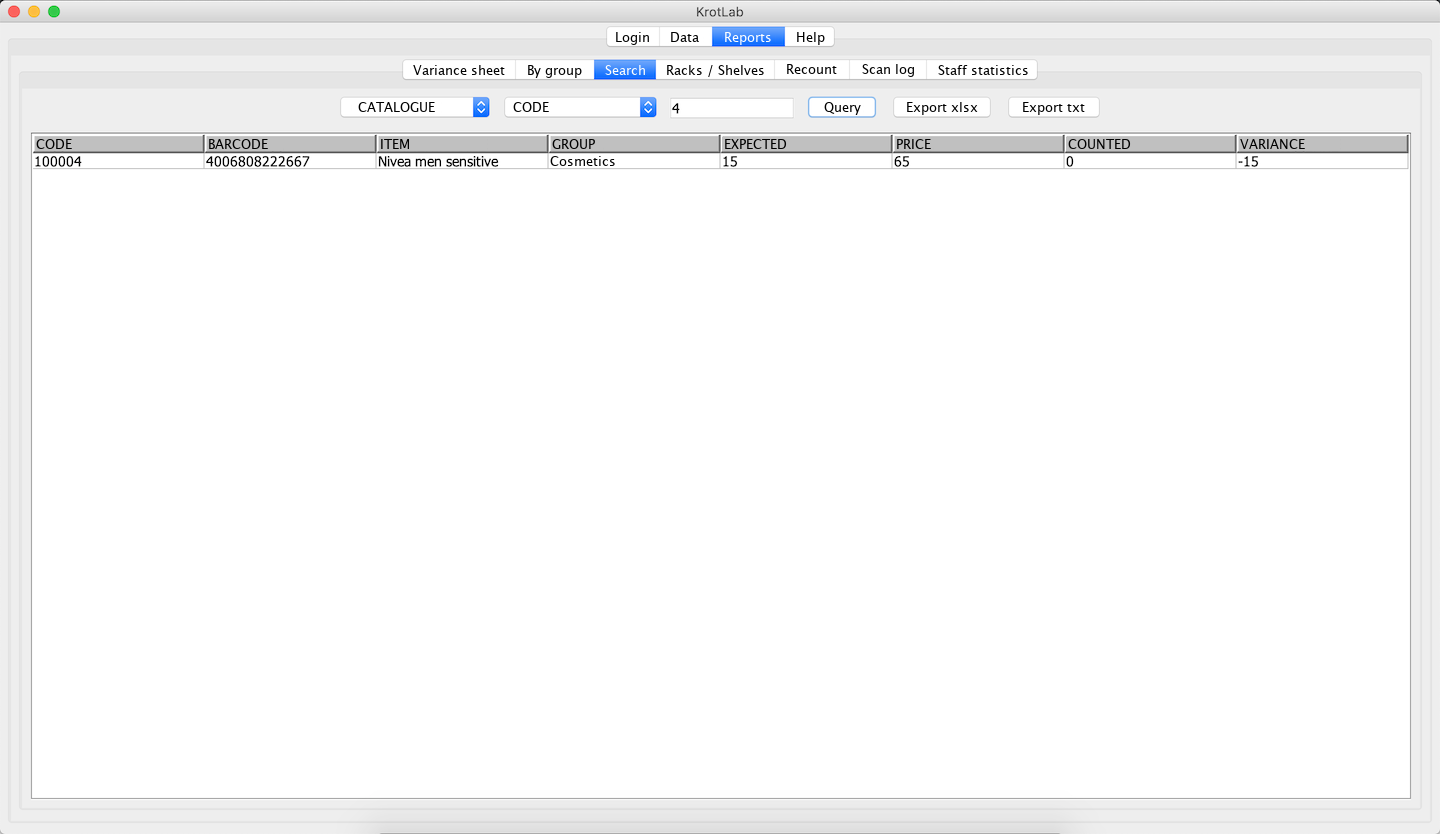
Search across the catalogue or the count, by code, barcode or name. 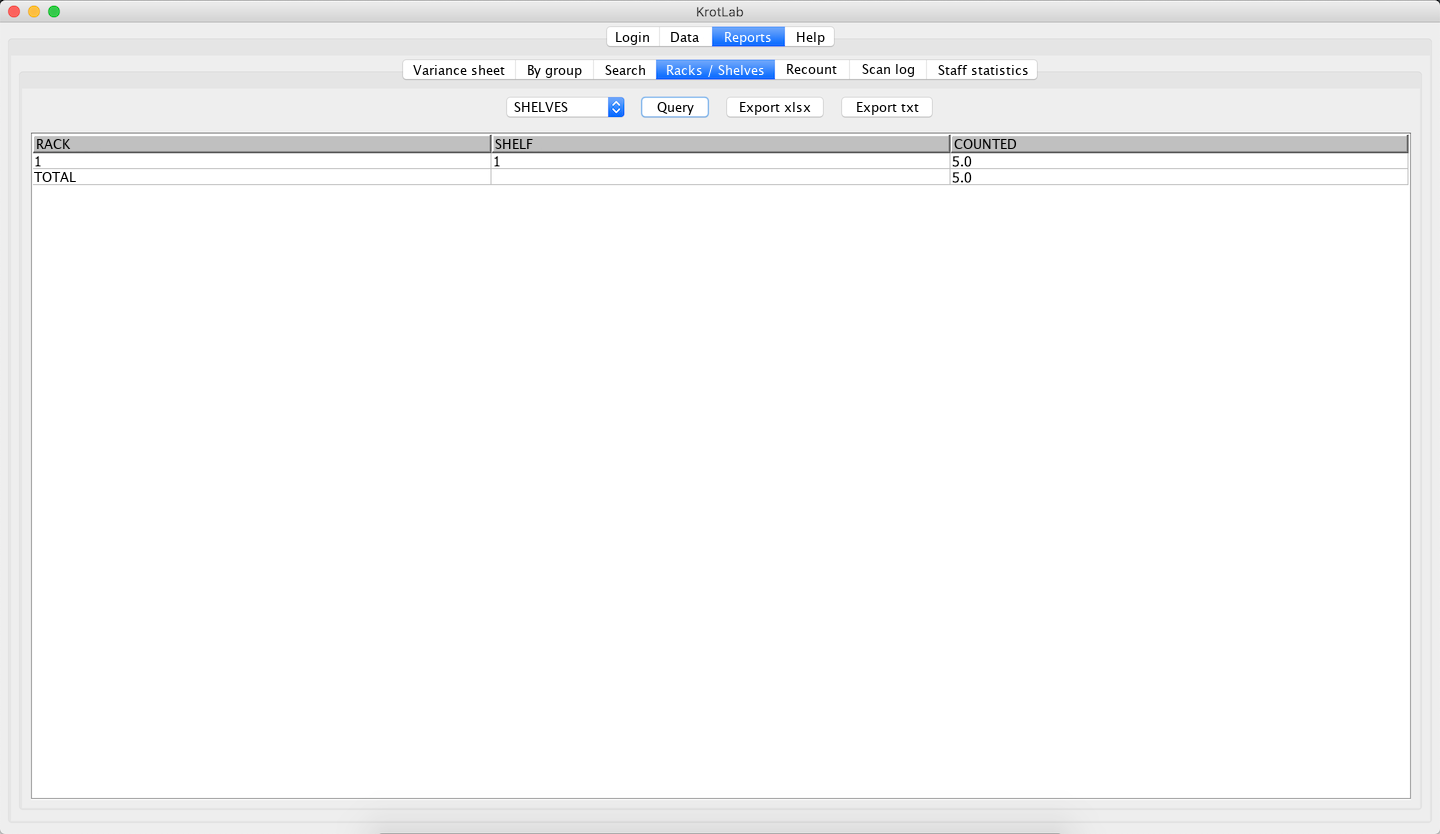
Racks and shelves — how much stock was counted in each location. 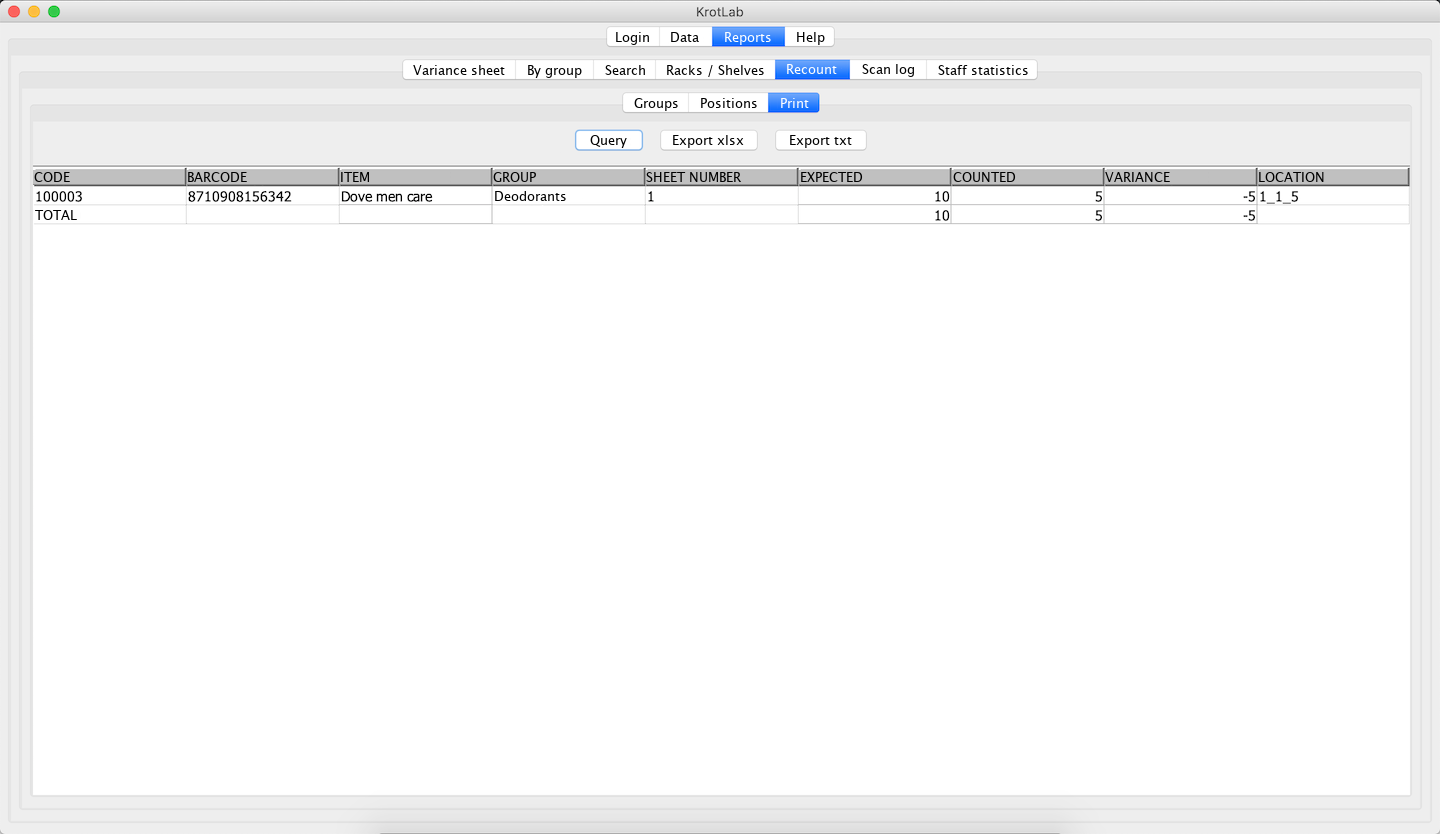
Recount, print view: the positions to check again, with the place to find them. 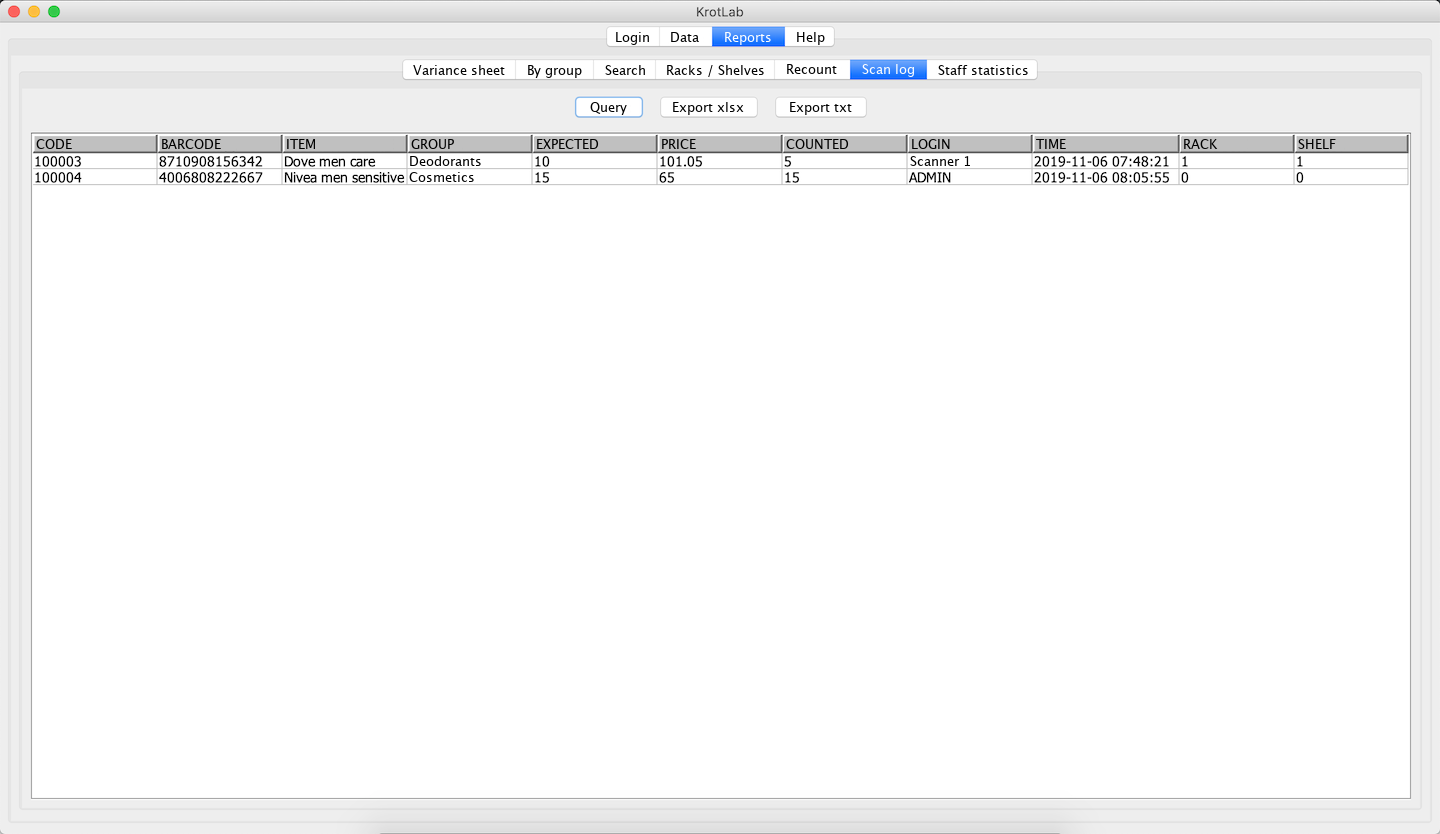
Scan log — every change, with the user, the time, and the rack and shelf. The ADMIN line sits on 0 / 0 because it was typed at the desk. 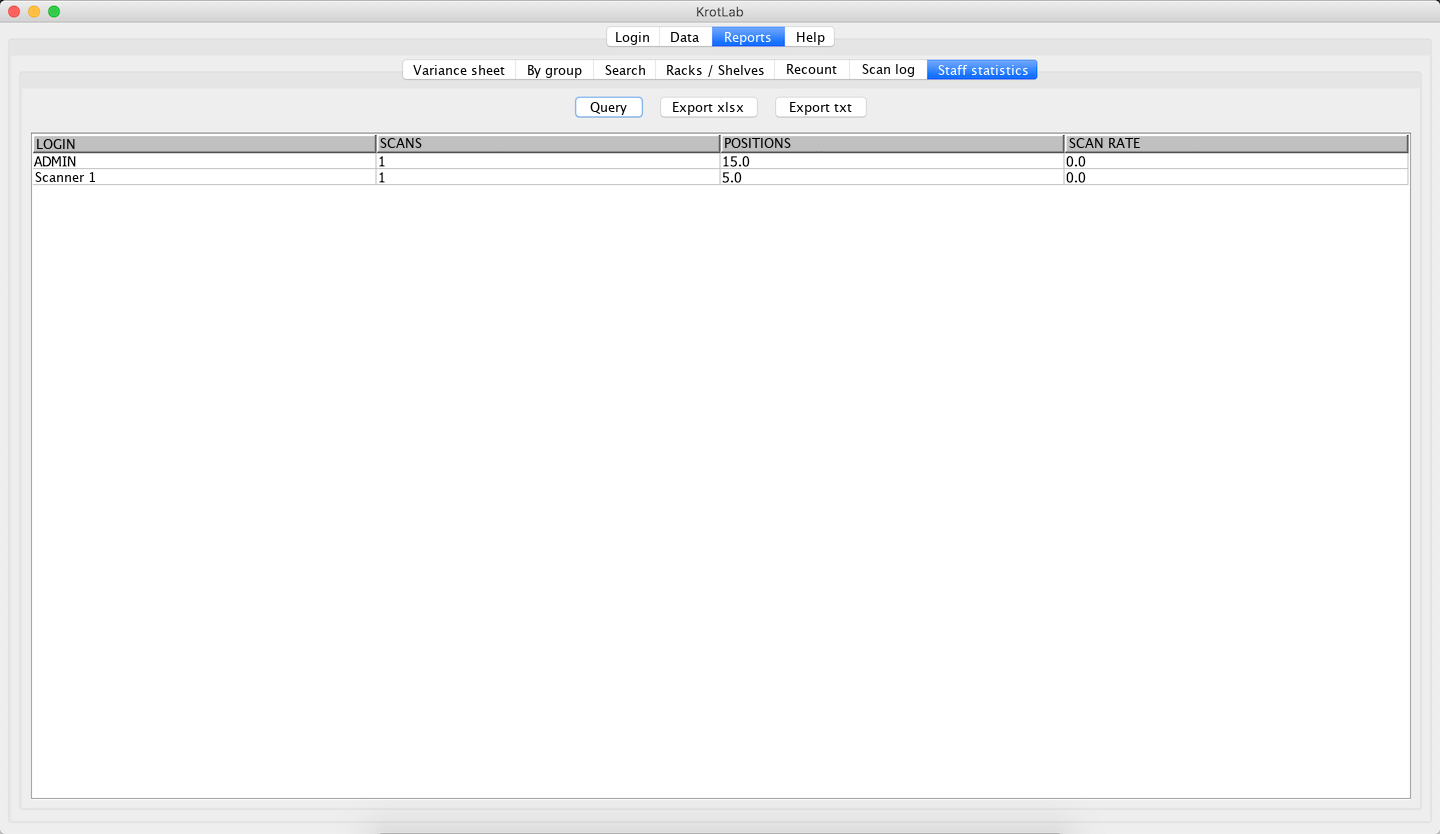
Staff statistics — scans, positions and scanning rate per login.
Handheld
Android 4.4 and up, or a Windows CE terminal, with any Bluetooth scanner.
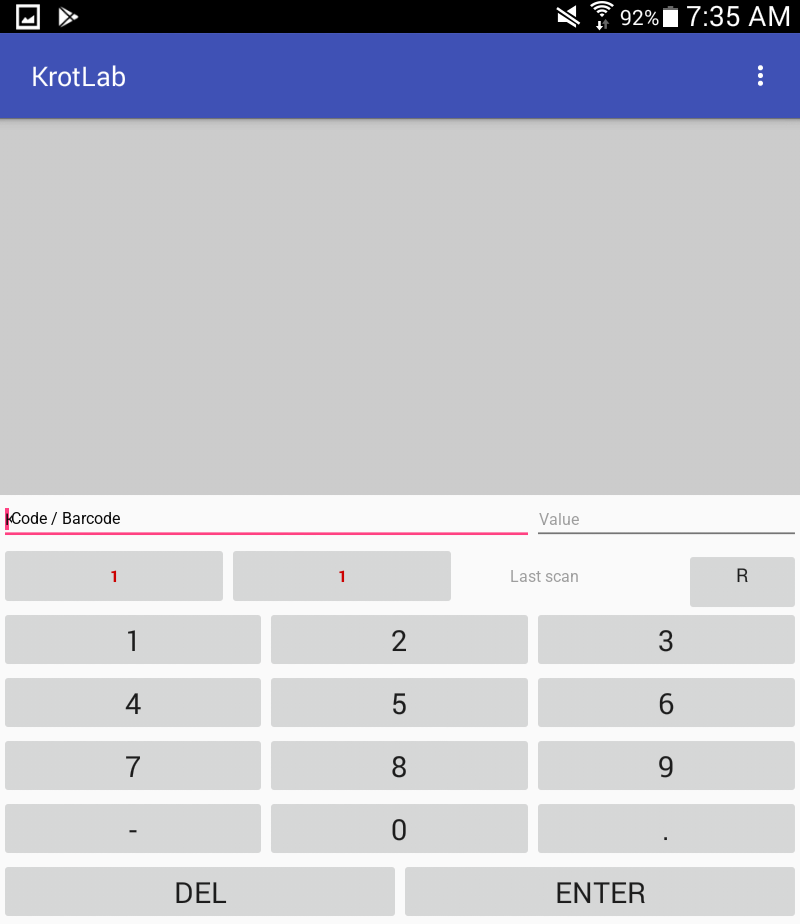
The working screen: code or barcode, quantity, the rack and shelf buttons, and the keypad. 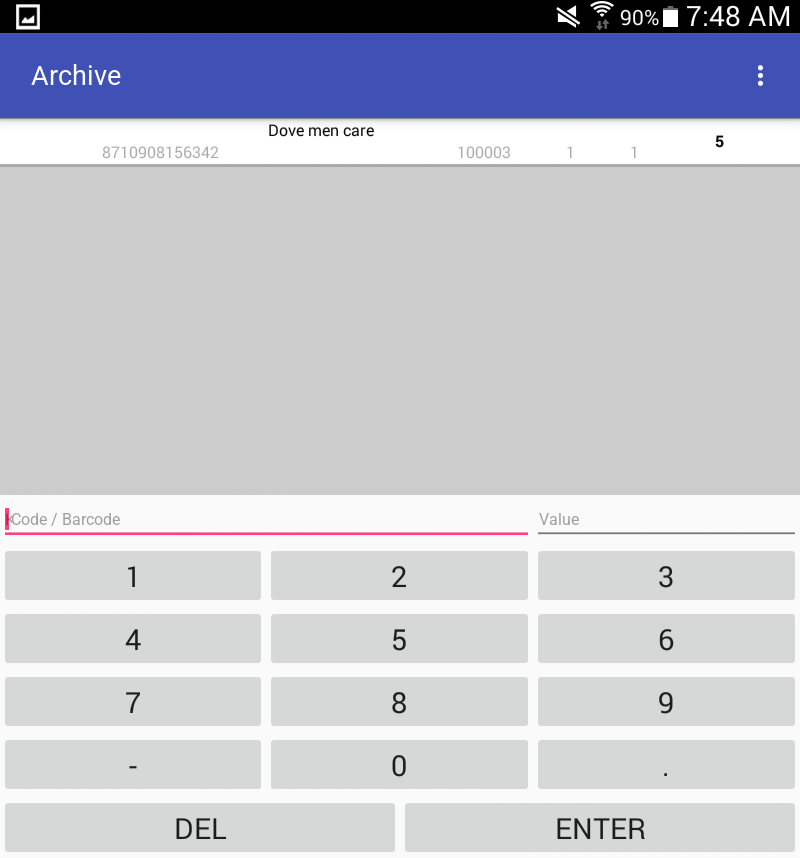
Archive on the device — every counted position, searchable and correctable on the spot. 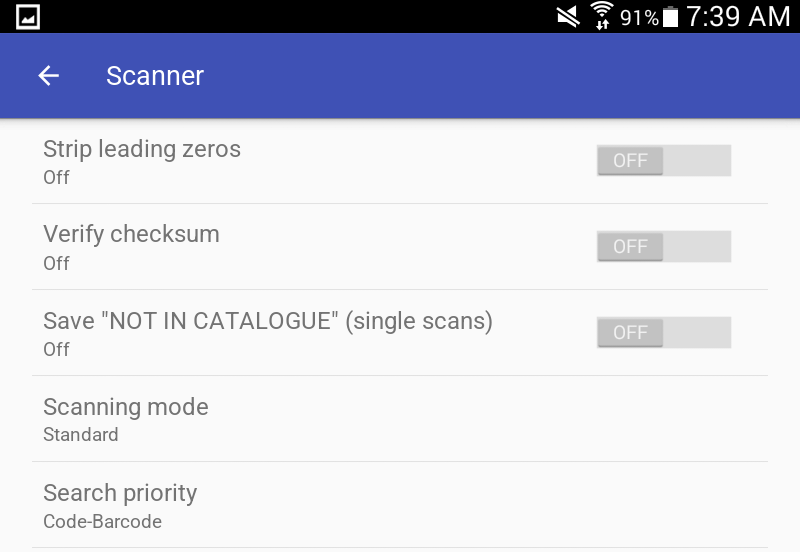
Scanner settings: leading zeros, checksum, storing unknown barcodes, scanning mode and search priority.